Adding an external account
You can add accounts from other FIs to your digital banking profile. After you verify an external account, you can transfer funds to or from the account.
To add an external transfer account
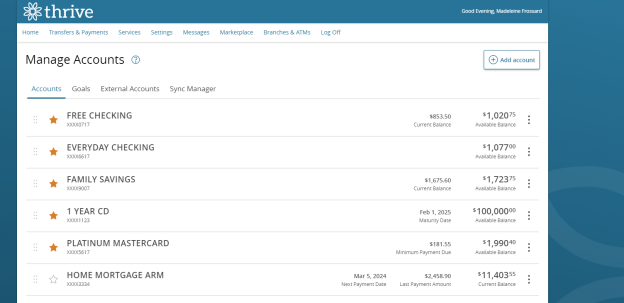
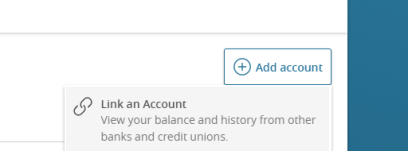
- From the navigation , select Services > Add External Account.
- On the Add External Accounts page, complete the following:
- In the Account Number field, enter the account number at the other FI.
- In the Routing Number field, enter the routing number of the other FI. The image on the page illustrates where the routing number is located on a check. If the account is not a checking account, verify the correct routing number with the other FI.
- From the Account Type list, select the external account type.
- Select Submit to add the account.
Note: Your experience may be different from the user interface described, based on your financial institution's custom configuration.